DKIM and SPF records are two methods of email authentication. DKIM stands for DomainKeys Identified Mail, while SPF stands for Sender Policy Framework. Both methods help to prevent email spoofing, which is when someone sends an email that appears to be from a different sender in order to deceive the recipient.
DKIM works by adding a digital signature to an email. This signature is created using a secret key that is unique to the sender’s domain. When the email is received, the recipient’s email server can verify the signature to confirm that the email is actually from the sender that it claims to be from.
SPF works by telling email servers which servers are authorized to send email from a particular domain. When an email is received, the recipient’s email server can check the SPF record for the sender’s domain to see if the server that sent the email is authorized to do so. If it is not, the email may be rejected.
Both DKIM and SPF are important methods of email authentication. They help to protect against email spoofing and other forms of email fraud.
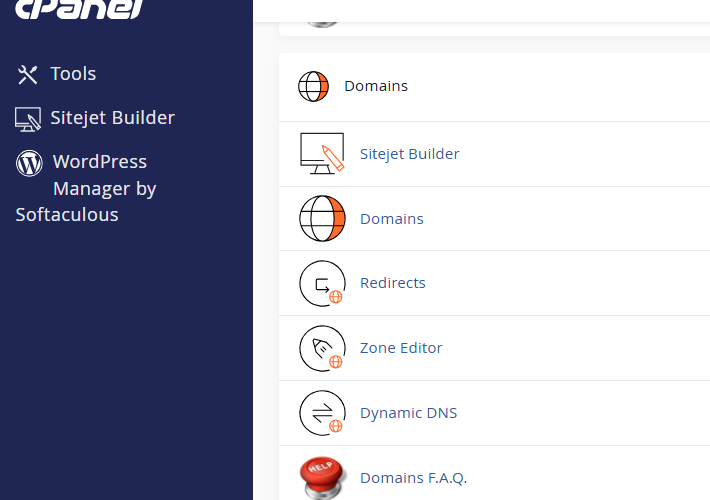
Here are the steps on how to configure DKIM and SPF records in cPanel:
- Log in to your cPanel account.
- Click on the Email tab.
- Click on the Email Deliverability icon.
- Select the domain for which you want to configure DKIM and SPF records.
- Click on the Manage button.
- Scroll down to the DKIM section.
- Click on the Generate Local DKIM Key button.
- Copy the Public Key and Selector values.
- Scroll down to the SPF section.
- Click on the Install the Suggested Record button.
- Copy the SPF Record value.
Once you have copied the DKIM and SPF records, you need to add them to your domain’s DNS records. You can do this by following the instructions provided by your domain registrar.
Here are some additional tips for configuring DKIM and SPF records in cPanel:
- Make sure that the DKIM and SPF records are added to the correct DNS record type. DKIM records are TXT records, and SPF records are TXT or TXT-SPF records.
- If you are using a third-party email service, you may need to contact their support team to get the correct DKIM and SPF records for your domain.
- Once you have added the DKIM and SPF records to your domain’s DNS records, it may take some time for them to propagate. You can check the status of your DNS records by using a DNS checker tool.
Here are some of the benefits of configuring DKIM and SPF records:
- They help to prevent email spoofing, which is when someone sends emails from your domain without your permission.
- They can help to improve your email deliverability, which means that your emails are more likely to reach the inbox of your recipients.
- They can help to protect your domain from being blacklisted, which is when a mail server blocks all emails from your domain.